Caddie lives inside your CAD software, reads your design in real time, and gives specific answers referencing your actual feature names, sketches, and mates. No copy-pasting. No tab switching.
Real scenarios CAD engineers face every day.
Your sketch shows dangling relations after renaming a reference plane. Instead of searching StackOverflow for an hour, ask Caddie — it sees your feature tree and tells you exactly which relation to delete and what to replace it with.
Wherever you are — starting from scratch, preparing for CSWA, advancing to CSWP, tackling a CSWPA specialty, or aiming for CSWE — Caddie walks you through exercises step by step with your actual model in context. Works for every supported CAD platform.
One click runs a full model review — rebuild errors, naming conventions, dangling references, and design intent issues — all prioritized by severity so you know what to fix first.
Three principles that most AI tools miss entirely.
Before answering, Caddie reads your feature tree, active configuration, selection state, rebuild errors, and takes a live viewport screenshot. Every answer references your actual model — not a textbook example.
Caddie notifies you inside SolidWorks when a new version is ready. One download, ten seconds to apply — no re-registration needed. You never need to check a website.
All conversation history, notes, and preferences are stored in SQLite on your PC. No account needed, no telemetry, no analytics — confidential designs stay confidential.
Ask anything about your model. Caddie answers with specific references to your feature names, sketches, and mates.
From zero to expert — CSWA → CSWP → CSWPA → CSWE, and equivalent paths for every supported CAD platform.
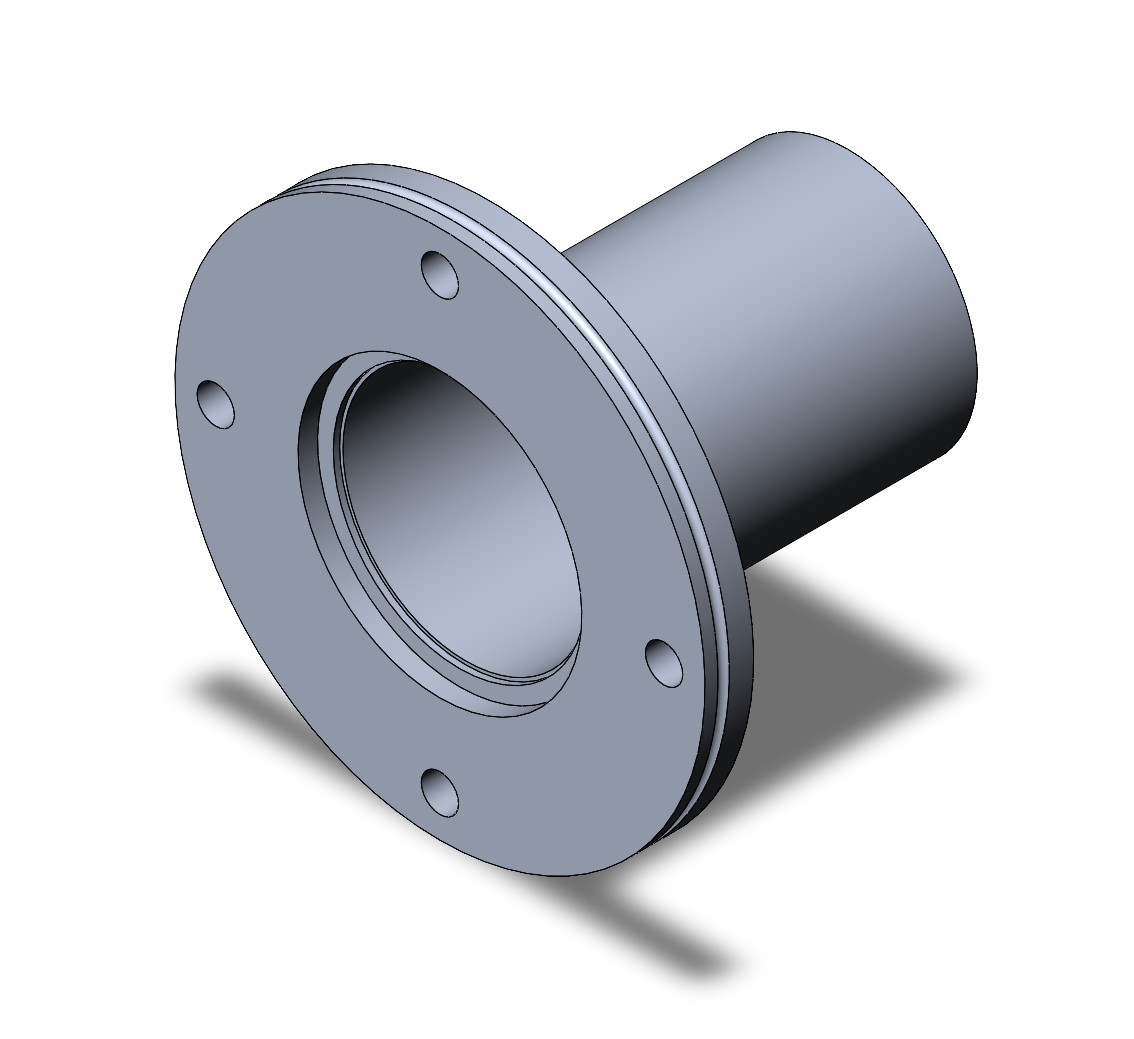
Drop a screenshot of any model and Caddie generates a complete SolidWorks build plan.
Caddie remembers your modeling style and project notes — all stored locally on your machine.
Caddie runs entirely inside your CAD software as a native add-in. No browser, no copy-paste, no context switching.
Run CaddieSetup.exe and click through the wizard. Enable Caddie under Tools → Add-Ins. No account needed.
Open any part, assembly, or drawing. Caddie automatically captures your feature tree, configuration, and a viewport screenshot.
Type your question. Caddie responds with specific advice referencing your actual feature names, sketches, and mates.
Install Caddie, enable the add-in, and have your first conversation in under 5 minutes.
Read guide →Understand how Caddie captures context, routes requests, and keeps your data private.
Learn more →See what's shipping now, what's next, and where Caddie is headed in future milestones.
View roadmap →Everything stored locally. No telemetry. No account. Your CAD data never leaves your machine.
Read policy →Add-in loads, taskpane UI, fast context snapshot (doc + features + screenshot), AI chat with streaming.
Deep snapshot with mass properties, mates analysis, sketch validation, cancellable progress UI.
Plan → Why → Check → Alternatives response format. Review tab powered by AI analysis.
Per-project notes, preference learning, session summarization, searchable history.
Image-based build plan generator, CSWP exercise grading, CSWE certification track.
Licensing system, optional cloud sync (opt-in), multi-provider AI support, code signing.
Caddie is built for engineers who work on confidential designs. We take data security seriously by default.
All history, notes, and preferences are stored in SQLite on your PC. Nothing leaves without your permission.
Caddie includes its own AI access during alpha. No OpenAI account or API key required — just install and go.
Zero usage tracking by default. No analytics, no crash reporting unless you explicitly opt in.
Cloud sync for history (coming in M6) is always explicit opt-in, never automatic.
Ready to run inside SolidWorks 2022+. Extract the zip, run the installer, and you're chatting with your models in under 5 minutes.
⇓ Download CaddieSetup.exeFree during alpha · Windows 10/11 64-bit · SolidWorks 2022+ · ~2 MB